
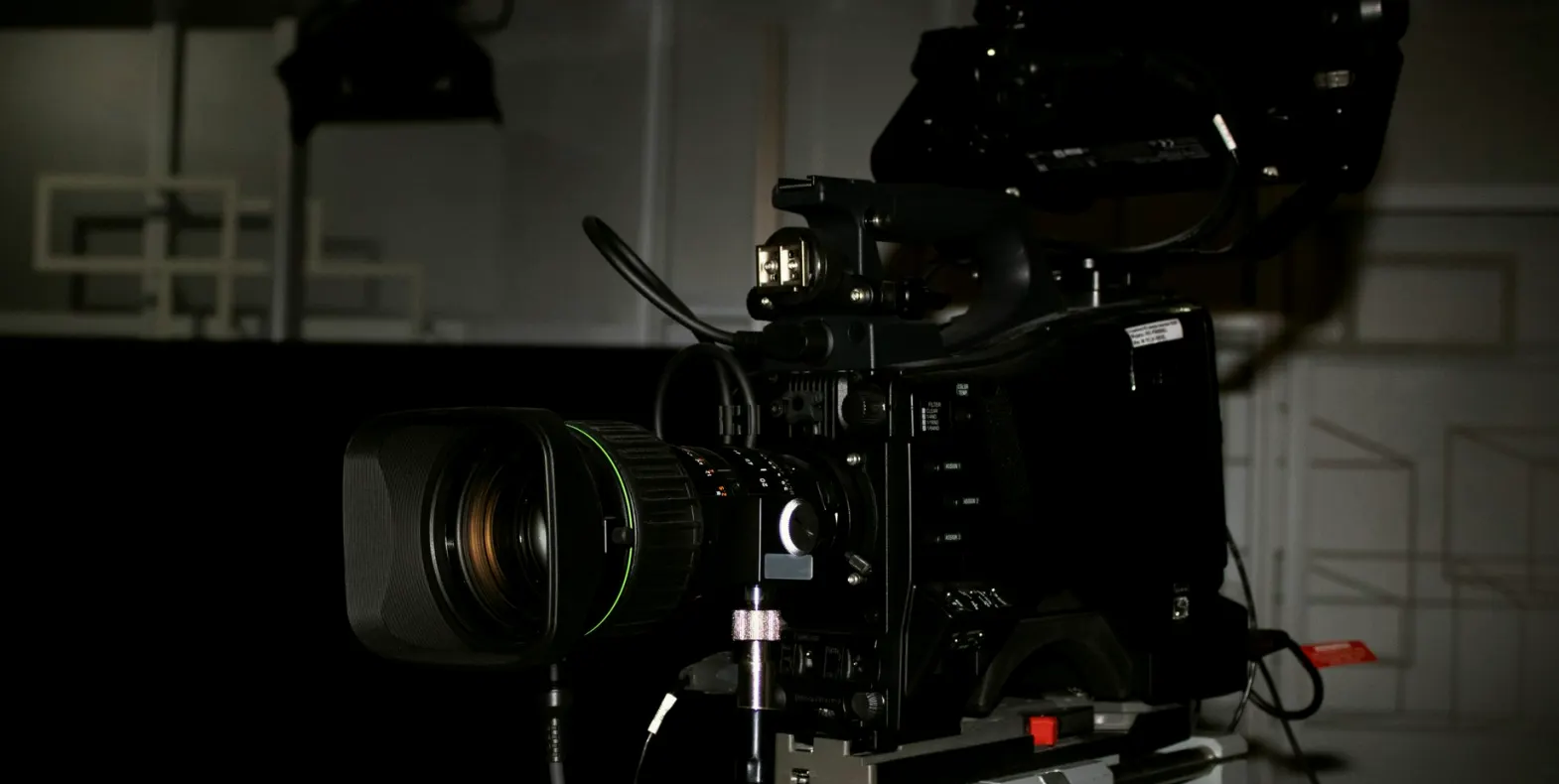
A Regional News Desk That Stopped Fighting Its Own Cameras
One customer case from a small news studio: how repositioning two cameras, changing a lens and coaching one operator made the desk shots steadier and the presenters easier to frame.
The studio Rhys called us about
Rhys runs a small regional news studio with a two-person desk, one wide shot, one close shot and a short weather corner. When he first rang us, his complaint was not about equipment quality. The cameras were fine. The pictures, however, never looked the same two days running, and presenters complained that they looked different depending on who was on shift.
I visited on a quiet morning before the lunchtime bulletin. The first thing I noticed was tape marks on the floor from three previous camera layouts, each slightly different. Nobody could say which one was current. The operators had been trained by whoever was available at the time, so each person framed a little differently, and the director was correcting on air what should have been settled at rehearsal.
Rhys wanted a single, repeatable set of shots that any competent operator could reproduce, and he wanted it without buying new cameras.
What we found on the first visit
I spent the first hour simply watching a rehearsal without saying anything. The main desk camera sat too close to the presenters and was fitted with a lens that exaggerated the width of the desk, so the shot looked cramped at the edges and distorted at the corners. The second camera was angled sharply from one side, which made the co-presenter look as though she were being filmed in profile.
Headroom varied from shot to shot. Eye lines drifted because the autocue sat at a different height from the lens on each camera. None of this was dramatic on its own, but together it gave the programme a slightly uneasy look that viewers feel without being able to name.
I wrote these observations down plainly, with a photograph of each framing, so that Rhys could see what I saw rather than take my word for it.
- Camera one too close, with edge distortion across the desk
- Camera two set at a steep side angle
- Autocue height different on each camera
- Floor marks from three older layouts still visible
Repositioning and lens choice
We began by moving the main camera back and fitting a longer lens setting, which flattened the desk and gave the presenters a natural proportion. The extra distance also left room to cut the shot to a tighter close without moving the pedestal. That one change removed most of the cramped feeling.
For the second camera we reduced the side angle so it favoured the co-presenter at roughly the angle a viewer would expect across a desk. We checked both positions against the set's backdrop so that no light stand or door frame crept into the edge of the picture.
Every position was then marked once, clearly, with a single colour of tape, and the old marks were lifted. A simple diagram on the studio wall records camera height, lens setting and floor position for each shot, so the layout survives a change of crew.
Coaching the operators on the floor
Equipment only solves half of this. The other half is the person behind the viewfinder, and Rhys had three operators of different experience. I ran a short session with each, working through the same few habits: setting headroom by the same visual cue, easing a zoom rather than snapping it, and keeping a slight smoothness in pedestal moves.
We practised matching the two cameras so that a cut between them did not jump. I asked each operator to frame the same presenter and compare the two monitors side by side. Within a couple of rehearsals the differences narrowed noticeably, and the operators began correcting each other without prompting.
The most useful exercise was the simplest. We agreed a short list of checks to run before every bulletin and wrote them on a card fixed beside the camera, so the routine no longer depended on anyone's memory.
- Set headroom to the same agreed point every time
- Ease zooms and pedestal moves, never snap
- Compare both camera monitors before going live
- Run the pre-bulletin card without exception
How the desk looked a few weeks later
When I returned after a few weeks, the studio was calmer. The two shots matched, the presenters sat comfortably in frame, and the director said she no longer spent the first minute of each bulletin correcting the picture. Rhys told me the biggest change was that a new operator could step in and produce the same look from the wall diagram and the card.
There were small things still to tidy. One lens setting had crept a little because the zoom ring was loose, and we fixed that with a minor adjustment rather than a purchase. We also adjusted the weather corner so the presenter was not lost against a busy backdrop.
I mention these because a case like this rarely ends neatly. The aim is a studio that holds its look through ordinary working days, and that depends on small habits being kept as much as on the original set-up.
What this case shows about camera work
Nothing here required new equipment. Position, lens choice and a shared routine did most of the work, and they cost far less than a replacement camera would have. That is often the case in small studios, where the kit is adequate but its use has drifted over time.
If your own desk shots vary from day to day, start by recording what each camera currently does: its height, distance, lens setting and angle. Photograph each framing. You will usually find the cause within an hour, and the fix is often a matter of moving something a metre and writing it down.
As autumn schedules fill and new crew arrive, this is a good moment to settle a repeatable layout before the busy weeks begin.
Rhys's studio did not need better cameras. It needed two positions chosen with care, a lens set sensibly, and operators who followed the same short routine. If your picture changes with whoever is on shift, write down what each camera does today and compare it with what you want. The gap is usually smaller than it feels, and closing it is mostly patient, practical work at the pedestal.